Automate the repetitive. Focus on the response.
Visual workflow builder, weather-triggered automations, AI-powered summaries, and scheduled reports — so your team spends time responding, not compiling.
The problem
Your team shouldn't be the automation
Manual processes consume valuable time during activations — time your team should be spending on the actual response.
Manual processes slow you down
Status updates, report generation, and notification routing all require someone to do them manually. During a disaster, those people have better things to do.
Weather changes aren’t caught in time
By the time someone notices a threshold has been crossed, the alert should have gone out 20 minutes ago. Manual monitoring doesn’t scale.
Briefings take hours to compile
Incident summaries, situation reports, and briefing documents assembled by hand from multiple data sources. The information is stale before it’s done.
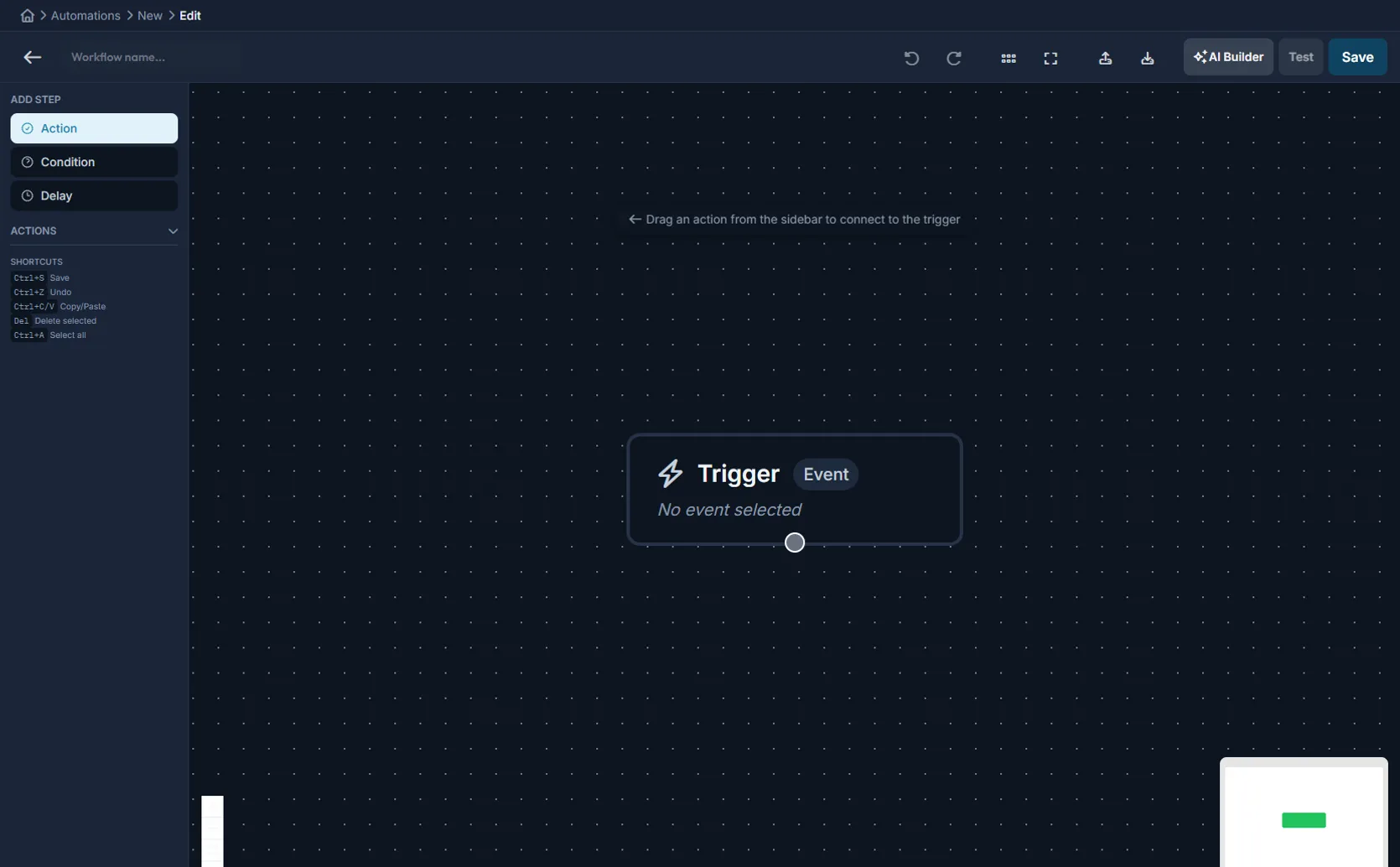
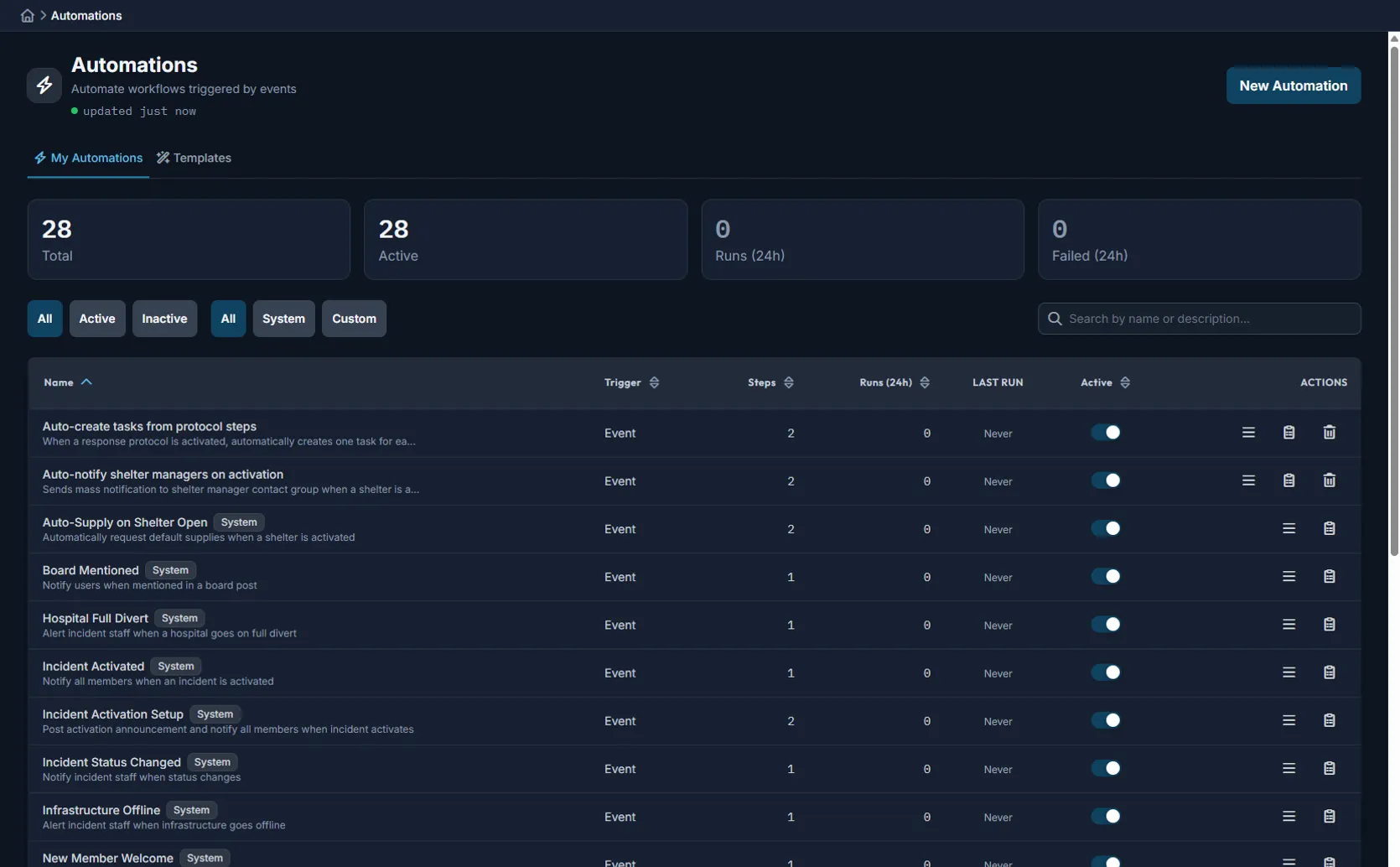
Visual workflow builder
Drag-and-drop workflow automation
Define triggers, conditions, and actions without writing code. Build the workflows your agency needs — from weather alerts to recurring reports.
Responsible AI
AI that assists — not replaces — your team
AI handles the time-consuming compilation work so your team can review, decide, and act. Every recommendation is documented and auditable.
AI Incident Summary
Generated 12 seconds ago
Hurricane Milton — Situation Summary
3 shelters active (capacity 67%). Power outages affecting 12,400 residents across 4 zones. Two major road closures on SR-60 and I-4. Water system operating on backup generators. Next weather update: 1400 hrs.
Core capabilities
Workflows, triggers, AI, and scheduling
Visual workflows
Build SOPs as executable workflows with triggers, conditions, and actions — no code required.
Weather triggers
Wind speed, flood stage, air quality, and fire weather thresholds that automatically trigger notifications and status changes.
AI summaries
Incident summaries, situation reports, and briefing documents generated in seconds from your operational data.
Scheduled reports
Recurring report generation with custom filters, chart types, and distribution lists.
Not a standalone tool
Part of the complete Command Bridge platform
Automation and AI connect to every module — notifications, mapping, field ops, ICS forms, FEMA Lifelines, and more.
Multi-channel notifications
Workflows trigger text, email, voice, and push notifications with delivery tracking.
Unified operational map
Status changes from automations reflected instantly on the shared map.
Field operations
AI-classified damage photos flow from mobile field assessments into your dashboard.
Digital ICS forms
Scheduled workflows auto-generate form packages for each operational period.
FEMA Lifelines
Weather triggers automatically update lifeline statuses and notify stakeholders.
Reporting & analytics
Scheduled reports pull from live operational data with custom filters and charts.
See automation and AI in action
Start a free 90-day trial and see how workflows and AI reduce the manual work during your next activation.