ICS forms that fill themselves.
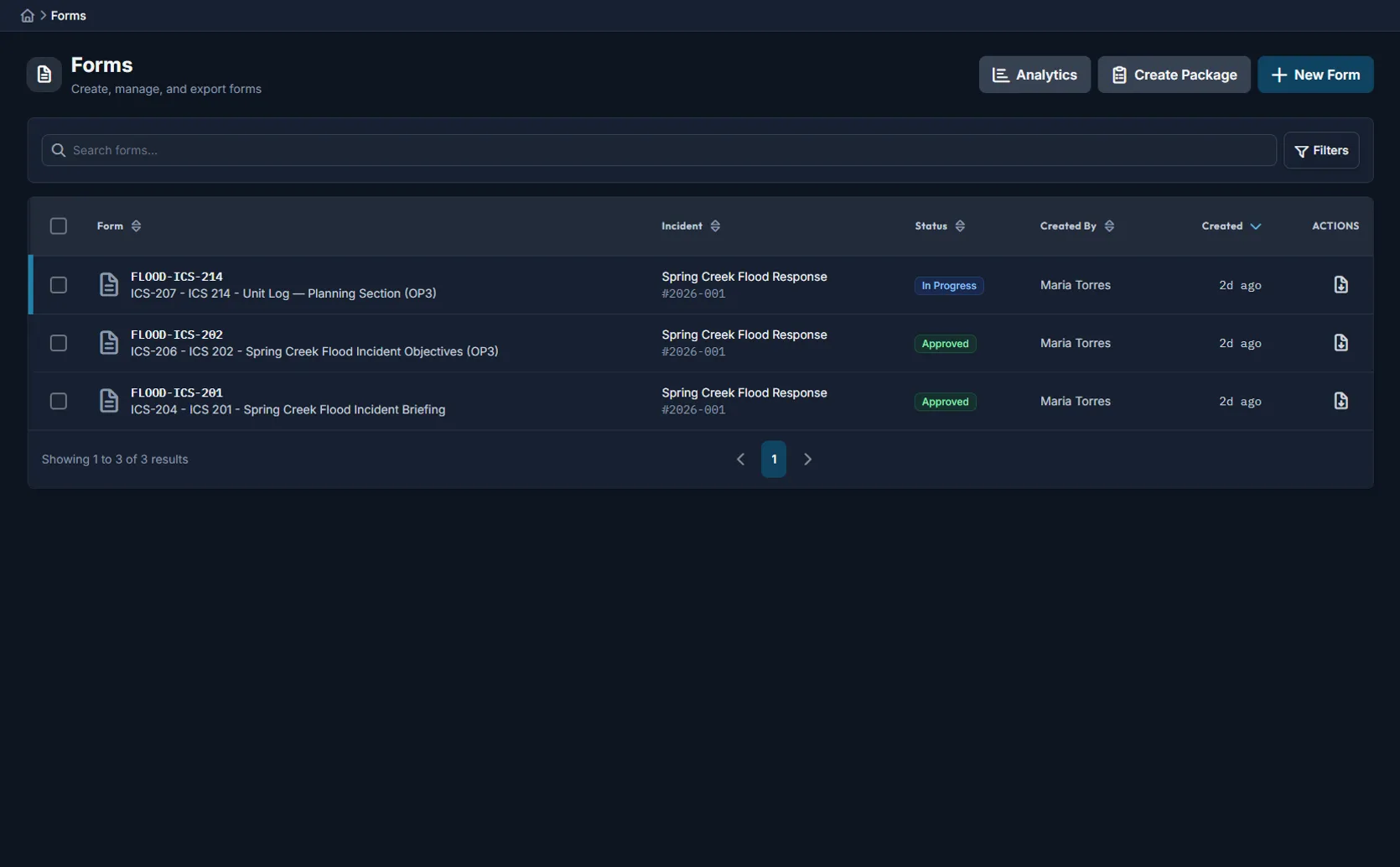
8+ ICS form types with smart auto-fill, collaborative editing, digital signatures, and FEMA-compliant PDF export. No paper.
The problem
ICS forms shouldn't slow down your response
Paper forms and email chains turn documentation into a bottleneck. Data gets retyped, signatures stall, and approved forms vanish.
Data gets retyped everywhere
The same incident data is manually entered into every form, every operational period.
Signatures stall the workflow
Forms sit in limbo while the IC or Section Chief is unavailable during active operations.
No version control
Which ICS-202 is current? Who updated it? No way to tell approved from draft.
Supported form types
Standard ICS forms, plus general-purpose templates
FEMA-compliant layouts with field validation, signature blocks, and custom templates for your agency.
ICS-201
Incident Briefing
with org chart and incident map
ICS-202
Incident Objectives
repeating objective groups
ICS-203
Organization Assignment List
auto-populated from roster
ICS-204
Assignment List
per-division resources
ICS-205
Radio Communications Plan
channels and frequencies
ICS-206
Medical Plan
facilities and transport
ICS-221
Demobilization Checklist
per-resource sign-off
ICS-223
Demobilization Plan
phased release schedule
General-purpose forms
Smart auto-fill engine
One click. Twelve data sources.
Auto-populate from incident data already in the system. Contact autocomplete fills name, phone, email, org, and title at once.
Full approval workflow
Clear approval workflow — draft to signed
Only the right people can approve and sign. When forms get updated, the originals are always preserved.
14+ ICS positions can sign
Every signature is permanently recorded for your audit trail.
Built for operations
Collaborate, sign, export, and bundle
Real-time collaborative editing
Multiple team members can edit the same form at the same time — you can see who's working on what.
Changes save automatically as you type.
Digital signatures with role authority
Typed or drawn signatures from any device. Only authorized ICS positions can sign — every signature is permanently recorded.
Role-gated at every step — only the right people can approve.
FEMA-compliant PDF export
Exports match official FEMA form layouts exactly, with your agency branding and all signature blocks.
Single-form or bulk export as merged PDF or ZIP archive.
Form packages
Bundles like "Daily Operations Package" create multiple forms in one click with status tracking across the set.
Create custom bundles for your agency's standard operating procedures.
Rich field types
Beyond text boxes
Dynamic tables, repeating groups, embedded maps, and org charts — each form uses the field types it needs.
Validation engine
Catch issues before approval
Built-in checks catch missing fields and formatting issues before the form goes for approval. Three severity levels per template.
Cross-field and status-based validation rules supported.
Analytics dashboard
Track completion, turnaround, and bottlenecks
Completion metrics
Completion rate by status and form type across incidents.
Time to approval
Creation-to-signature duration with turnaround tracking.
Operational period tracking
Per-period completion with trend analysis over time.
Contributor metrics
Per-user activity and pending signature tracking.
Audit trail & security
Every change recorded. Every form recoverable.
Immutable form history
Every status change recorded with full data snapshots showing what changed and who.
Clone & version
Duplicate any form as a starting point. Supersede approved forms while preserving originals.
Bulk operations
Bulk status updates, soft-delete, and PDF export across multiple forms.
Your forms stay yours
Your agency's forms are completely separated from every other agency at the database level.
Control who does what
Set separate permissions for who can view, edit, and manage forms.
Nothing is ever lost
Accidentally deleted a form? Recover it with the full history intact.
Not a standalone tool
Part of the complete Command Bridge platform
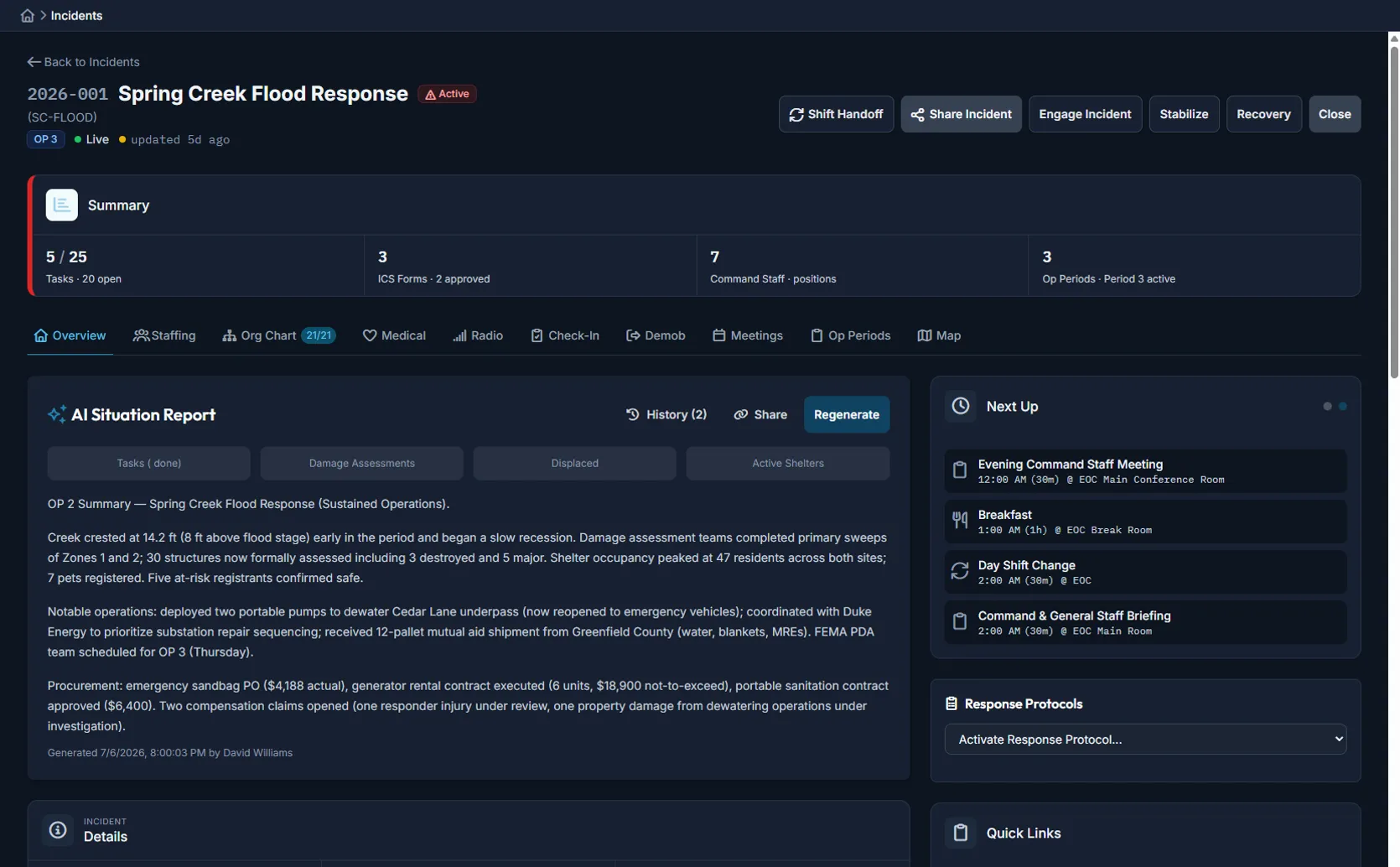
ICS forms connect to operational periods, command staff, resource tracking, and the unified map.
Incident lifecycle management
Activation to closure with staff assignments and operational periods.
Unified operational map
15+ data sources on one map with weather, GPS, and drone feeds.
Field operations
Mobile app that works offline for damage assessments, shelter check-ins, and supply requests.
Multi-channel notifications
Text, email, voice, and push notifications with delivery tracking.
Recovery & FEMA tracking
PA category costs, force account docs, and FEMA Lifelines dashboard.
Automation & AI
Workflow builder, weather-triggered automations, and AI summaries.
See digital ICS forms in action
Try auto-fill, collaborative editing, digital signatures, and FEMA-compliant PDF export — free for 90 days.